Website SEO Reports - Scheduled, Customized, and Delivered at Your Convenience
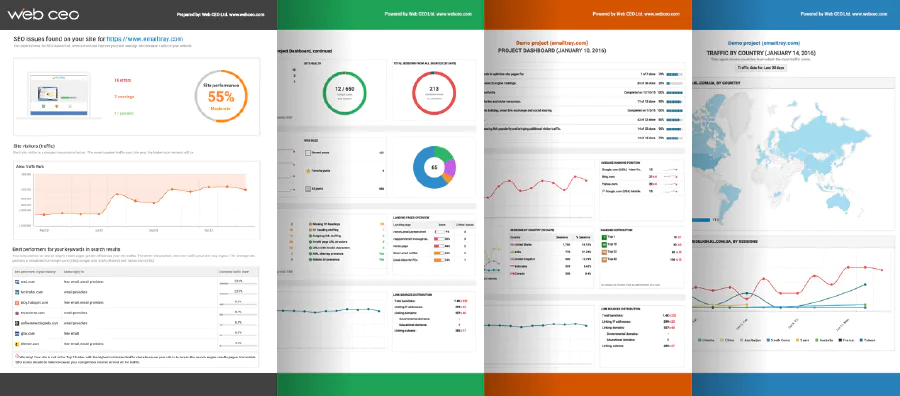
WebCEO Online is an ideal solution in terms of SEO collaboration and SEO reselling. One big feature is a scheduler for obtaining, emailing and web publishing SEO reports. The WebCEO API makes our online SEO software indispensable for SEO resellers who want to use a professional third-party SEO application for providing white label SEO reports to their clients.
Web CEO reporting and branding features differ depending on the pricing plan. Take a look at this chart that shows the various branding opportunities included in Web CEO pricing plans and decide what suits you best.
SEO Reports' Scheduling
The ability to launch a task automatically on a schedule is one of the most important things you can have to allow yourself more freedom to plan your work.
Even if you miss or have no time to press a button on time, a smart scheduling program will implement a task for you.
WebCEO Online allows you to schedule and automatically complete important tasks.
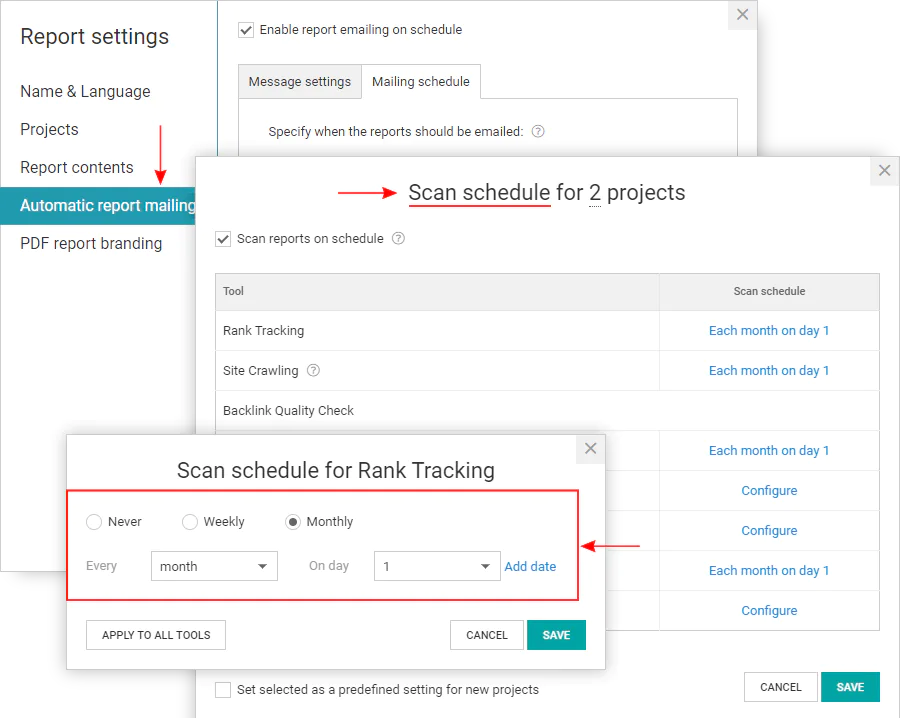
First, you can set up a scheduler to scan the Web on a certain day of a week or month. This enables you to run SEO reports in fully automatic mode.
SEO Reports Emailing
Second, these freshly run SEO reports can be scheduled for emailing. You can set up WebCEO Online to email reports to your coworkers and/or customers in order to let them know about keyword ranking changes,website audit results or on-page SEO recommendations.
White Label SEO Reports
Web marketing agencies often need a white label SEO application to deliver SEO services and reports to their clients on their behalf. Web design or hosting companies can also add SEO services to their standard packages and become successful SEO resellers.
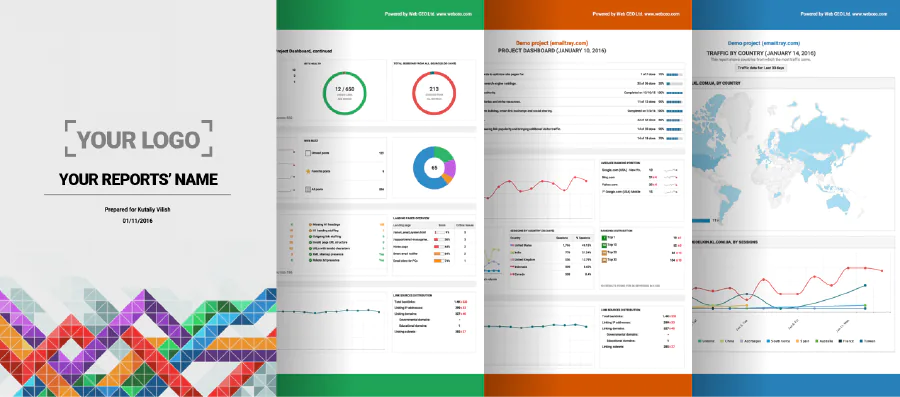
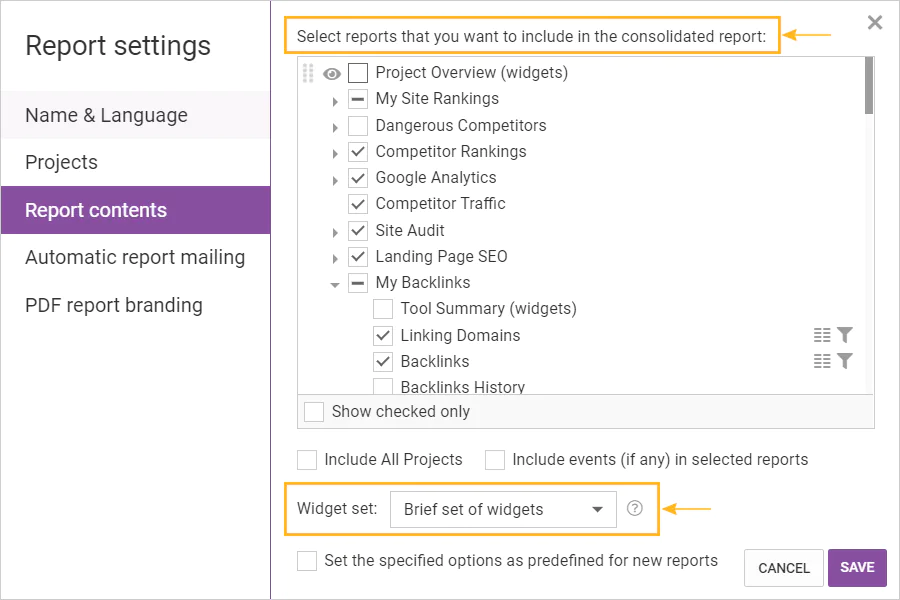
WebCEO Online includes report customization functions such as the ability to add a company logo, header and footer and also various color skins.
There are even more features that can add value to the SEO service provided by WebCEO on behalf of our professional users.
SEO Reports Publishing On a Separate Domain
SEO Reports Publishing is a service that provides your clients with online access to shared reports on an external
resource (www.reportsharing.com) that shows no explicit connection to Web CEO Online.
SEO Reports Publishing on www.reportsharing.com is available for users of all service plans including Free.
SEO Reports Publishing On Your Own Domain
Web CEO Online also provides you with the ability to publish reports on your own domain. Published reports are provided to clients in the read-only mode (only report viewing is available, the editing and deleting options are disabled). SEO reports publishing on your own domain is available for the Pro service plan users only.
To get your reports published on your own site, please follow the instructions. For more details on setup and pricing, please contact Allen MacCannell via email or make a Skype call to WebCEOOnline
We are open to your suggestions and are ready to help. Our professional technical support and assistance will intelligently settle all issues that may arise during the setup and operation of your Report Publishing service with no delays and at the highest quality level.
SEO Reports' API
There is one more possibility to share the report data if you are a user of the WebCEO Professional service plan. You can request a WebCEO API token and get data via API for reports in your custom format or for presentation through your own application. Download the API description. To enable access to the Web CEO API, log on to your account, select "Settings" on the "My Account" menu, and then move to "API Access" page.
Collaboration
If you are subscribed to the Professional plan of WebCEO Online, you can collaborate with other people who have also signed up for WebCEO Online. You can share projects and SEO reports with them.
Owners of sites or managers of projects can give full access to project reports and settings to their team's specialists who will perform specific SEO tasks such as keyword research, search engine submission, on-page search engine optimization or check for broken links. In this case, your specialists can use even the Free plan of Web CEO Online - there will be no standard limits of the Free plan for them as long as you delegate them tasks and pay for search engine queries.
To enable the Web CEO Online collaboration facilities, log on to your account, select "Collaboration" on the "My Account" menu.
Already on Web CEO Online? SIGN IN
Forgot password?